Spoken corrections
Say "Thursday, no, Friday" and you get Friday.
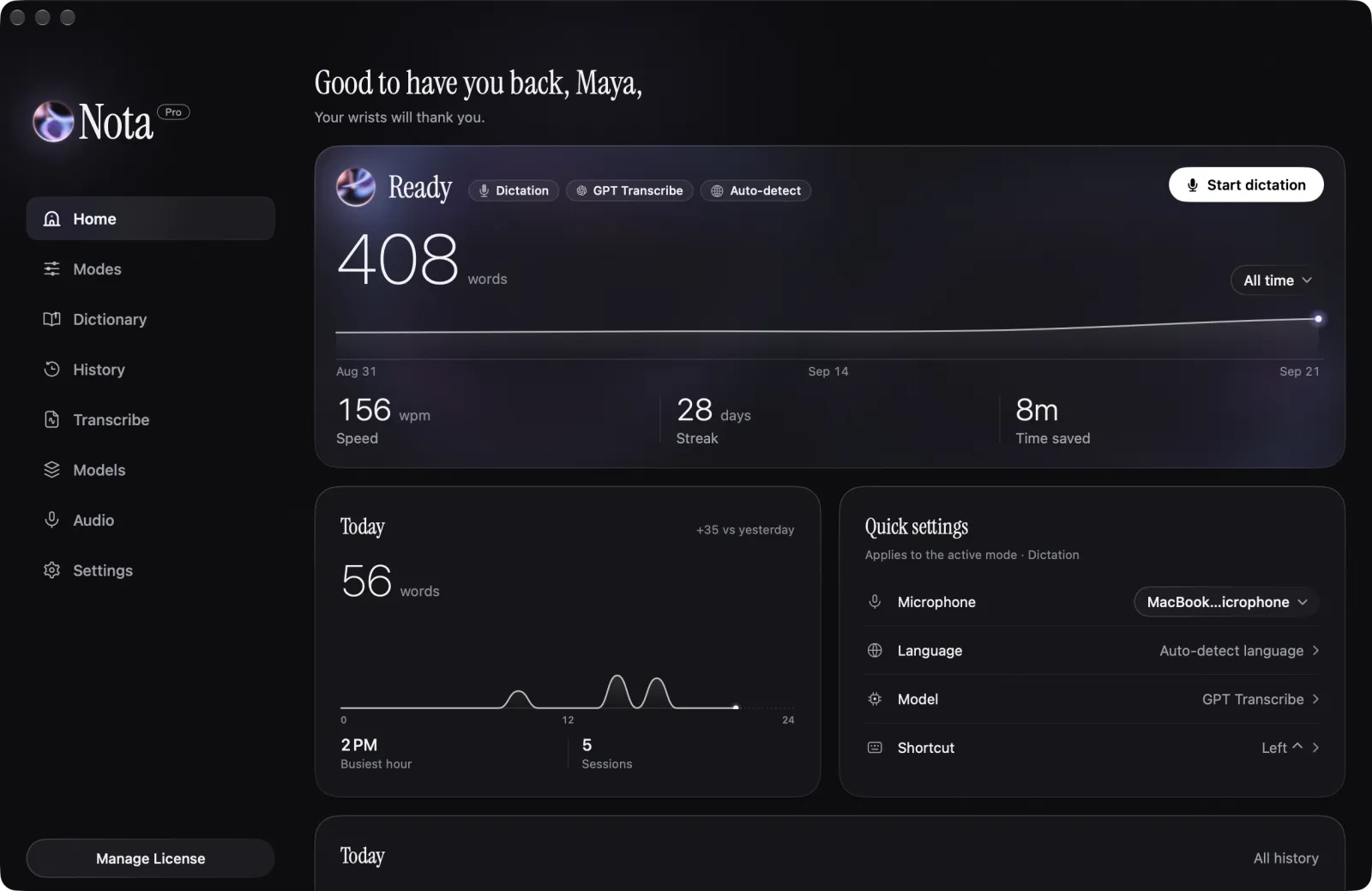
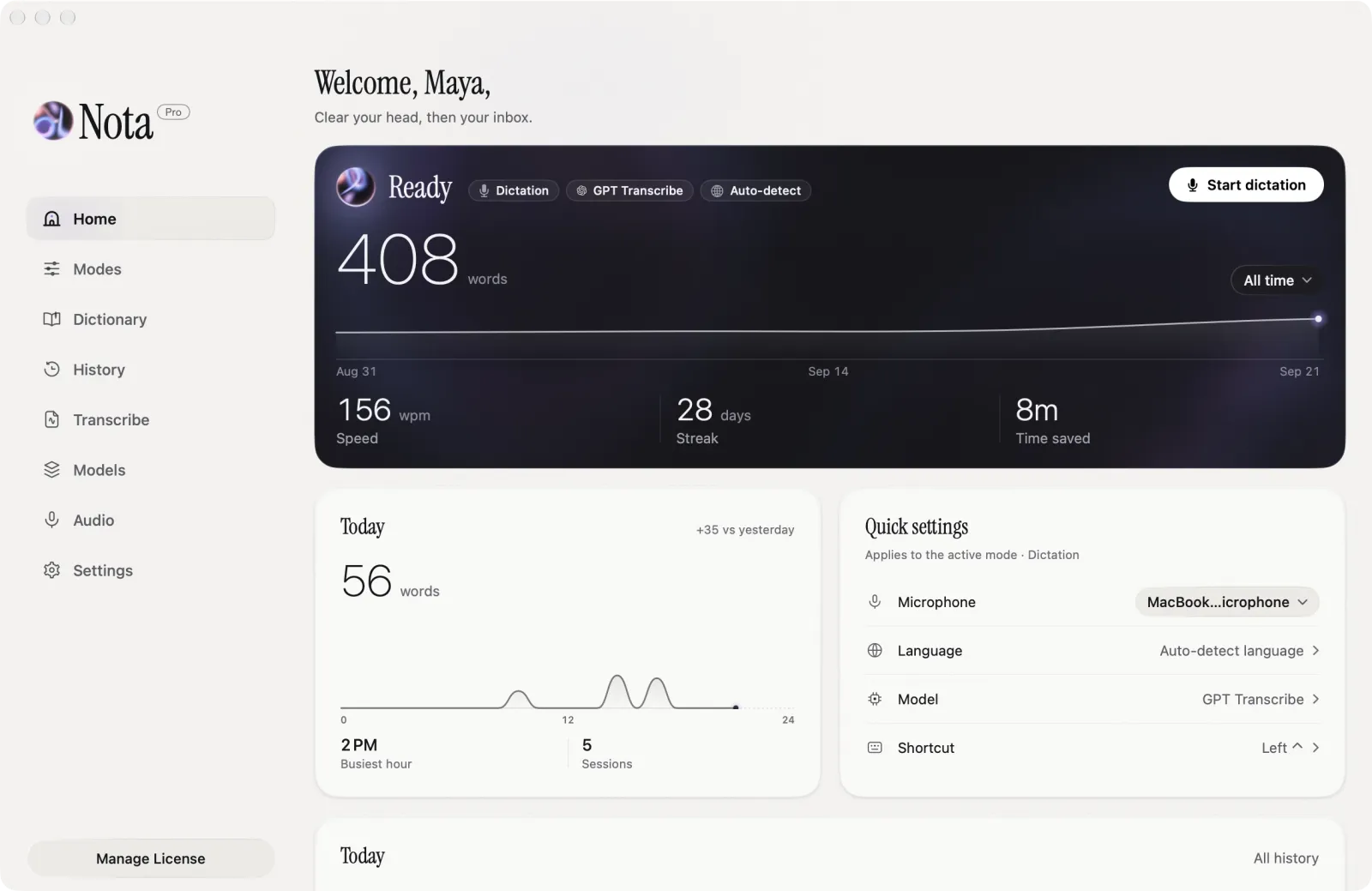
If typing is painful, slow or tiring, Nota lets you write by voice in any app on your Mac. It types where the cursor is and fixes the small things you would otherwise fix by hand.





Lock a recording and keep talking with your hands off the keyboard. Stop it when you are done, or let a stretch of silence you choose finish it. You can end a message with a phrase that presses Return.
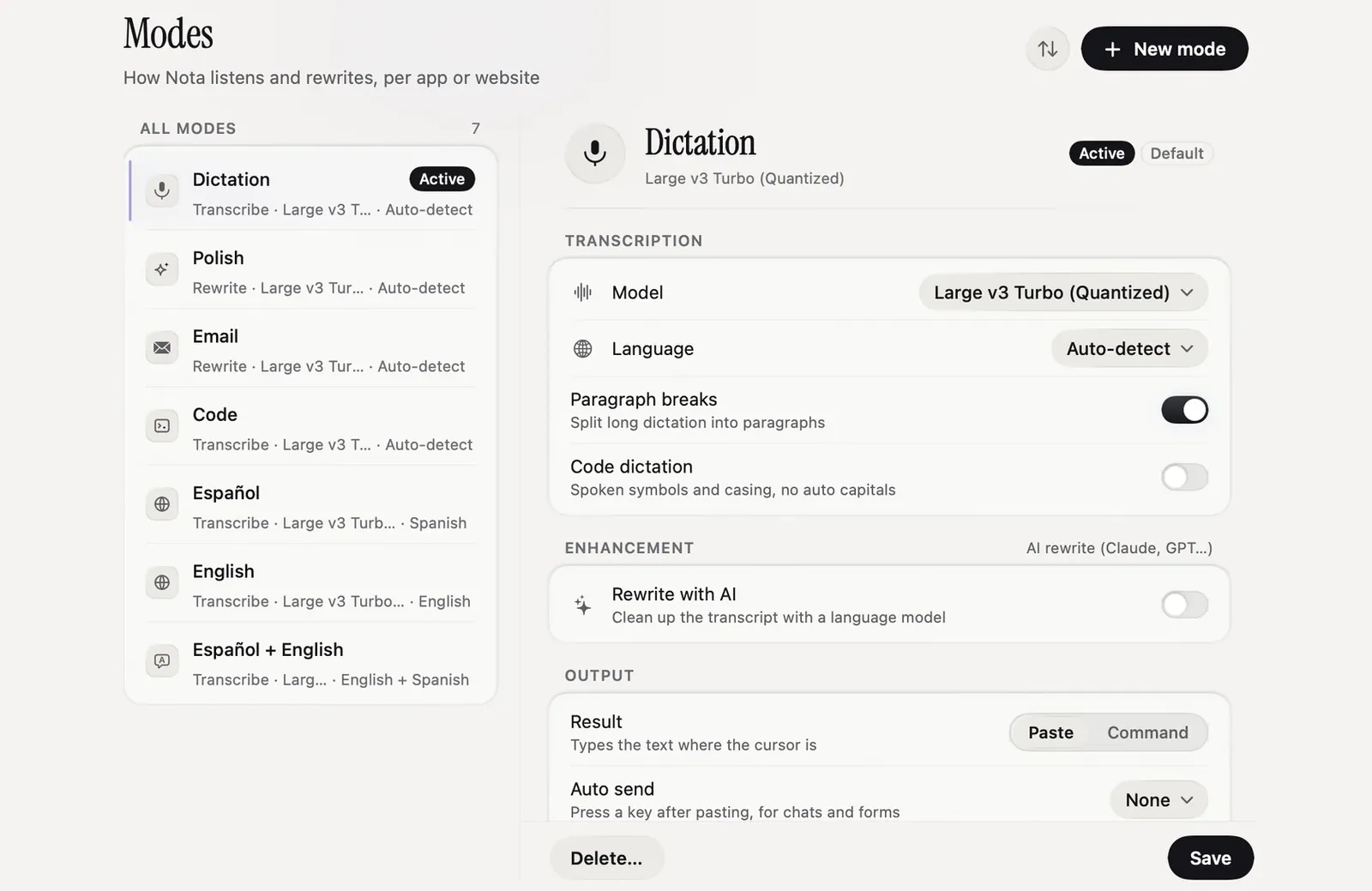
Select a sentence and say what to change, such as "make this shorter" or "change the date to Friday". Nota rewrites the selection with the AI you chose.
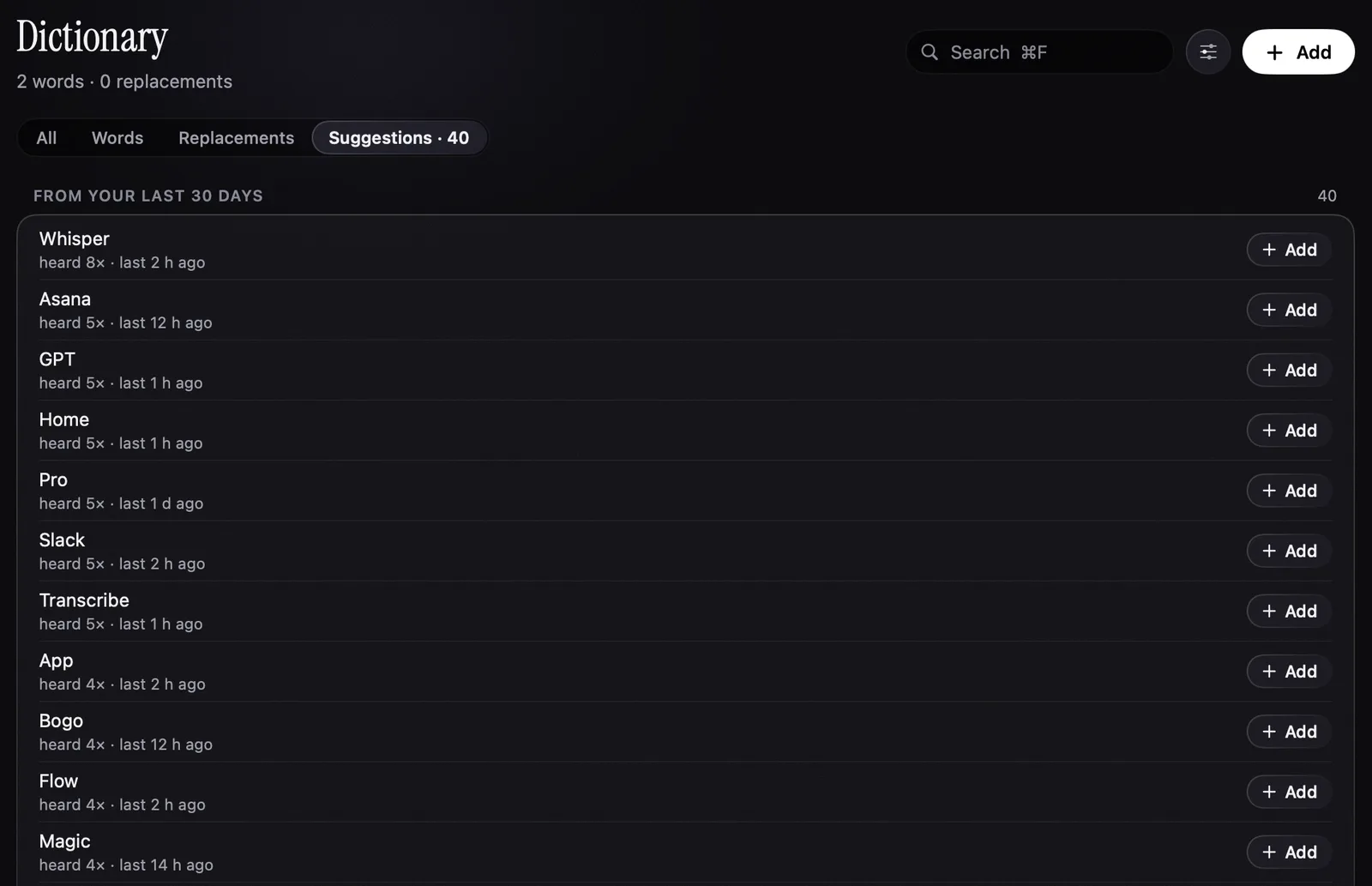
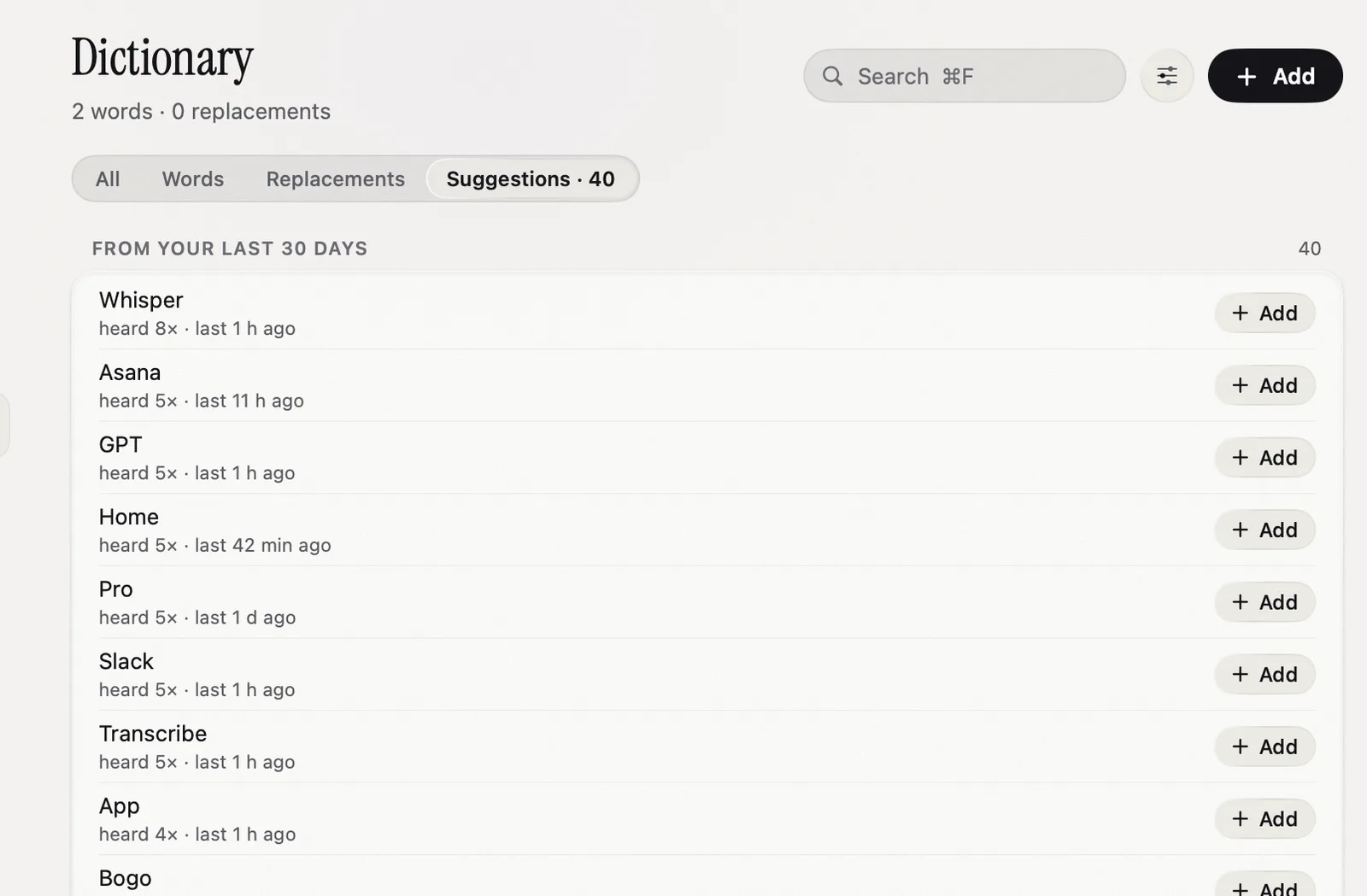
Add names and terms to the Dictionary. Fix a word once after it lands and Nota spells it right from then on.
Say "Thursday, no, Friday" and you get Friday.
Smart Dictation can drop "um" and repeats before the text lands. It stays off until you turn it on.
If text lands in the wrong place, remove the last insertion and say it again.
Nota types text. It doesn't click, scroll or open apps. To control the whole Mac by voice, macOS has Voice Control in Accessibility settings.
The first 5,000 words are free. No account.
5,000 words free
No account needed.
macOS 14.4 or later · Apple silicon and Intel