Why keys
A subscription app pays for your minutes and charges you a margin on top, every month. With your own key you pay the provider directly, usually cents per hour, and you can see every one of them.
Nota doesn't have its own model and doesn't run a server. It runs a model on your Mac, or calls the provider you pick with your own key. Switch whenever a better one ships.
Free, work offline, and your audio never leaves the Mac. Parakeet V3 is the default: no key, no account.
| Model | Languages | Size | Per hour |
|---|---|---|---|
| Parakeet V3NVIDIA · Default for new users. | 25 European languages, auto-detect | 494 MB | Free |
| Parakeet V2NVIDIA | English | 474 MB | Free |
| Parakeet UnifiedNVIDIA | English | 1.2 GB | Free |
| Nemotron MultilingualNVIDIA · Streaming only. | 28 languages, auto-detect | 672 MB | Free |
| Nemotron LatinNVIDIA · Streaming only. | 6 languages, auto-detect | 620 MB | Free |
| WhisperOpenAI, run locally · Eight sizes, Tiny to Large v3 Turbo. | 99 languages; English-only sizes too | 75 MB to 2.9 GB | Free |
| Cohere TranscribeCohere | 14 languages | 1.56 GB | Free |
| SenseVoice SmallFunAudioLLM | 5 languages (Chinese, Cantonese, English, Japanese, Korean) | 241 MB | Free |
| Apple SpeechApple · macOS 26 or later. | 10 languages, 30 regional variants | Built in | Free |
Nota sends the audio straight to the provider, using a key stored in your Mac's Keychain. You pay the provider at their rate. Nota shows that rate before you pick, and a running total per provider on Home.
| Provider | Model | Languages | Per hour |
|---|---|---|---|
| OpenAI | GPT Transcribe (and streaming) | 115, auto-detect | $0.27 |
| Groq | Whisper Large v3 Turbo | 99 | $0.04 |
| Mistral | Voxtral | 13, auto-detect | $0.18 |
| Deepgram | Nova 3 | 55, auto-detect | $0.26 |
| Deepgram | Nova 3 Medical | English | $0.26 |
| ElevenLabs | Scribe V2 | 91, auto-detect | $0.22 |
| Gemini 3.5 Transcribe | 77, auto-detect | about $0.30 | |
| Soniox | Soniox V5 | 60, auto-detect | $0.10 |
| Speechmatics | Enhanced | 52, auto-detect | $0.40 |
| AssemblyAI | Universal-3.5 Pro | 18, auto-detect | $0.21 |
| AssemblyAI | Universal-2 | 99, auto-detect | $0.15 |
| xAI | Grok | 25, auto-detect | $0.10 |
| Cartesia | Ink 2 | English | provider rate |
| Your own | Any OpenAI-compatible endpoint | Yours to set | Yours |
Per hour of speech, from the providers' list prices on September 27, 2026. "Provider rate" means Nota doesn't have a confirmed list price yet and shows a dash in the app; check the provider's pricing page. Language counts are the languages Nota lets you pick for that model; how well each one works is up to the provider.
Sort by speed, accuracy, cost or size. Tell Nota what matters to you and which languages you speak, and it marks the model that fits best.
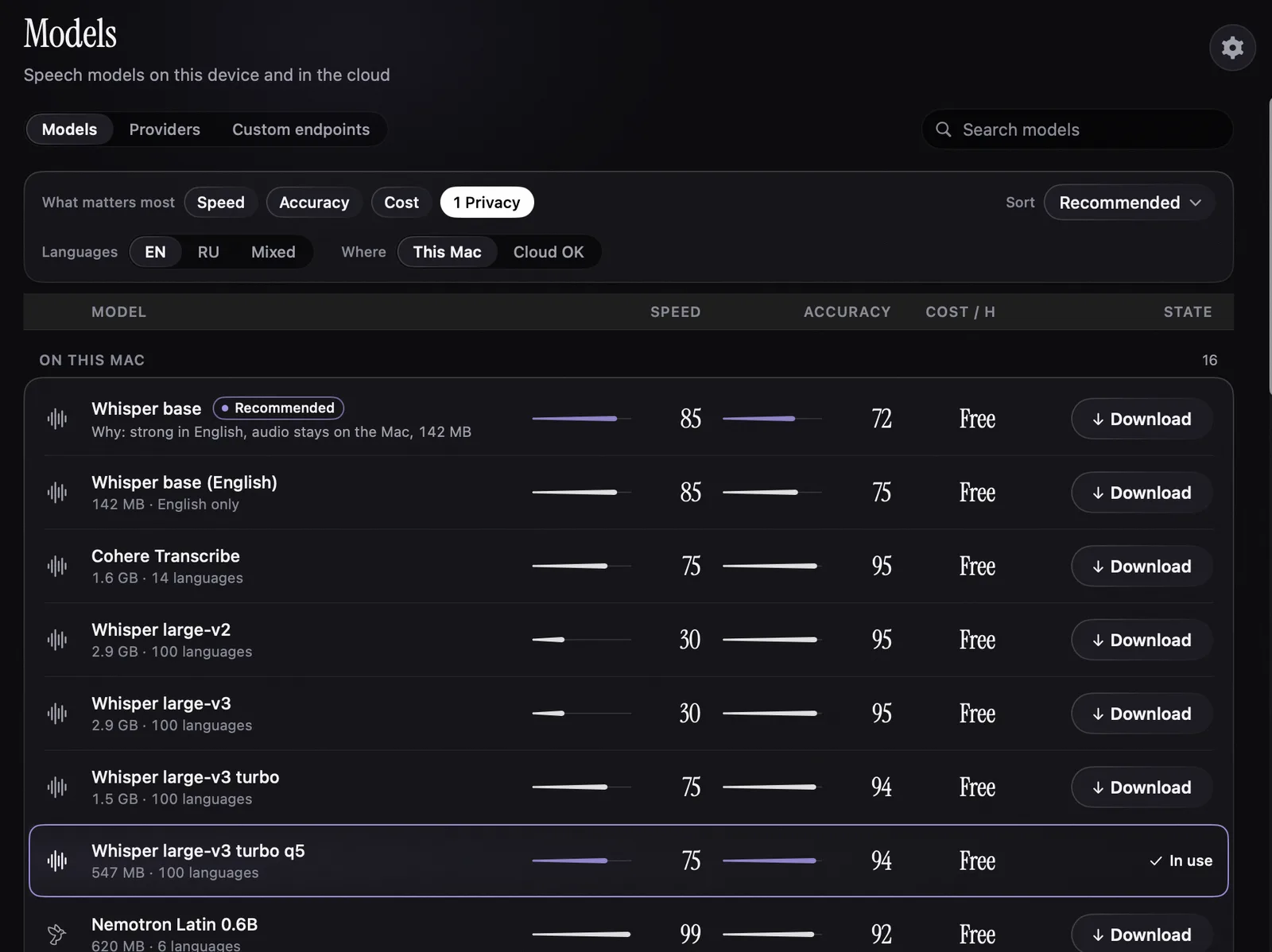
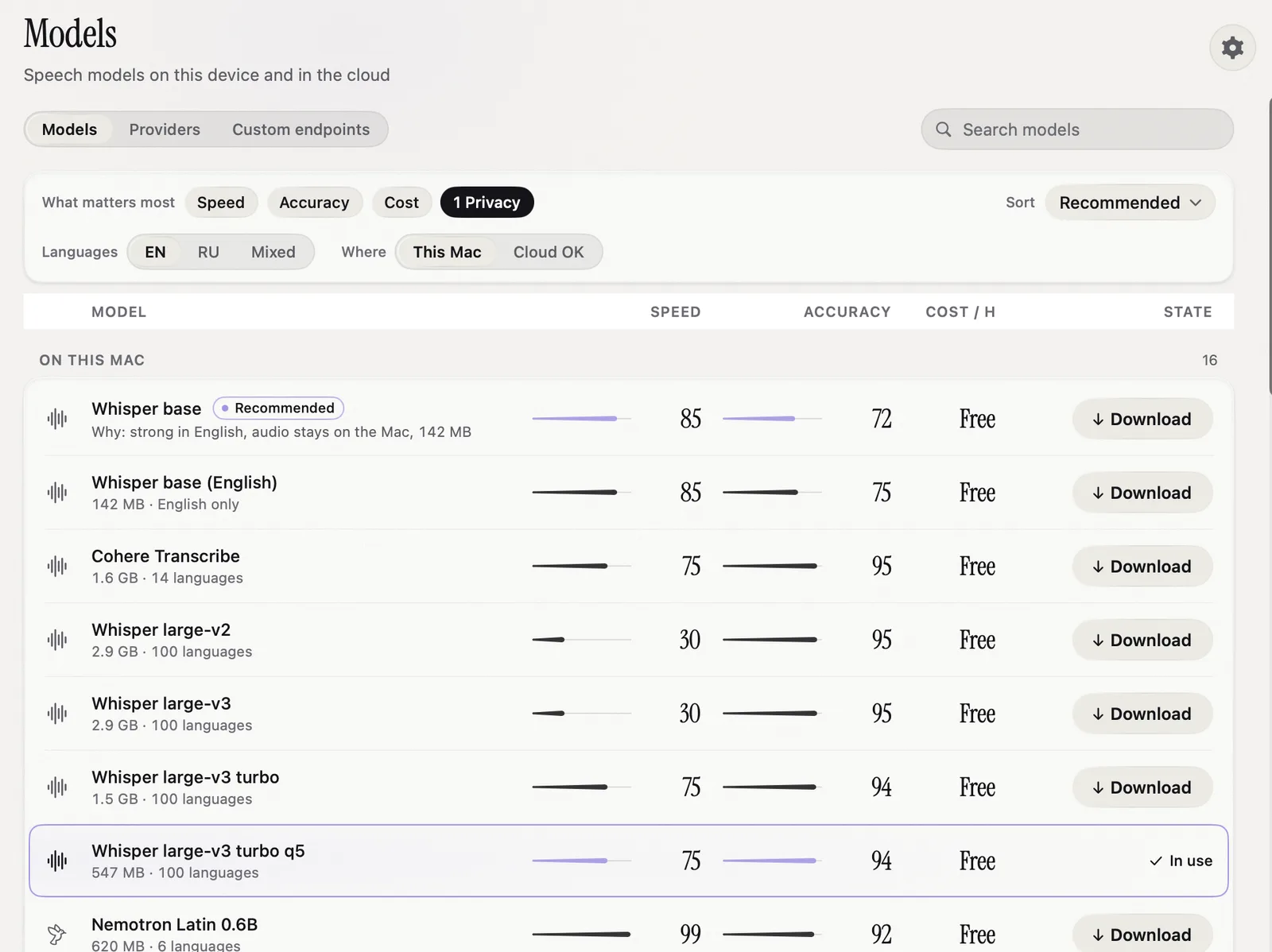
Smart Dictation and rewrite modes pass the transcript through a language model you choose. It's optional. On the default model it adds about a cent per hour of speech.
A subscription app pays for your minutes and charges you a margin on top, every month. With your own key you pay the provider directly, usually cents per hour, and you can see every one of them.
In the macOS Keychain on your Mac. Not in a settings file, not in logs, and never on a Nota server, because there isn't one.
No. Every model under "On your Mac" works without a key. Add one only when you want a cloud model.
At 4 hours of speech a month: about $1.10 on GPT Transcribe, about $0.16 on Groq, $0 on your Mac.
Setup, step by step: cloud models and keys, choosing a model.