Press kit
Icons, screenshots and a fact sheet for writing about Nota. Use them as they are. If you need something else, write to me.
Descriptions
- One line
- Nota is a Mac dictation app: hold a key, talk, and it types what you said into whatever app you're in.
- One paragraph
- Nota is a Mac dictation app. Hold a key, talk, and it types what you said into whatever app has focus: Mail, Slack, a terminal, a code editor. It runs on your Mac with a local speech model and no key required, or on a cloud model using your own API key, and it shows you what every hour of speech costs before you pick one. Modes switch by app and by website, a dictionary learns the words you correct, and everything is a single one-time purchase with no subscription.
Facts
- Product
- Nota, a native dictation app for macOS
- Version
- 1.1.3
- Made by
- One independent developer
- Requires
- macOS 14.4 or later, Apple silicon and Intel; local models need Apple silicon
- Price
- One-time: $79 for 1 Mac, $119 for 2, $149 for 3. Early bird prices $59, $89, $109.
- Trial
- First 5,000 words free, no account
- Refund
- 14 days, no questions
- On-device models
- Parakeet, Whisper, Apple Speech, Cohere Transcribe, SenseVoice. Free, audio stays on the Mac.
- Cloud models
- 11 providers on your own API key, plus any OpenAI-compatible endpoint
- Languages
- 99 with Whisper; each model lists its own
- Not included
- iPhone, Windows, team plans
- Site
- saynota.com
- Contact
- support@saynota.com
App icon
 PNG, 256 px
All sizes (1024, 512, 256, 128 px) are in the zip.
Screenshots
From the running app, light and dark. Full-size files are in the zip.
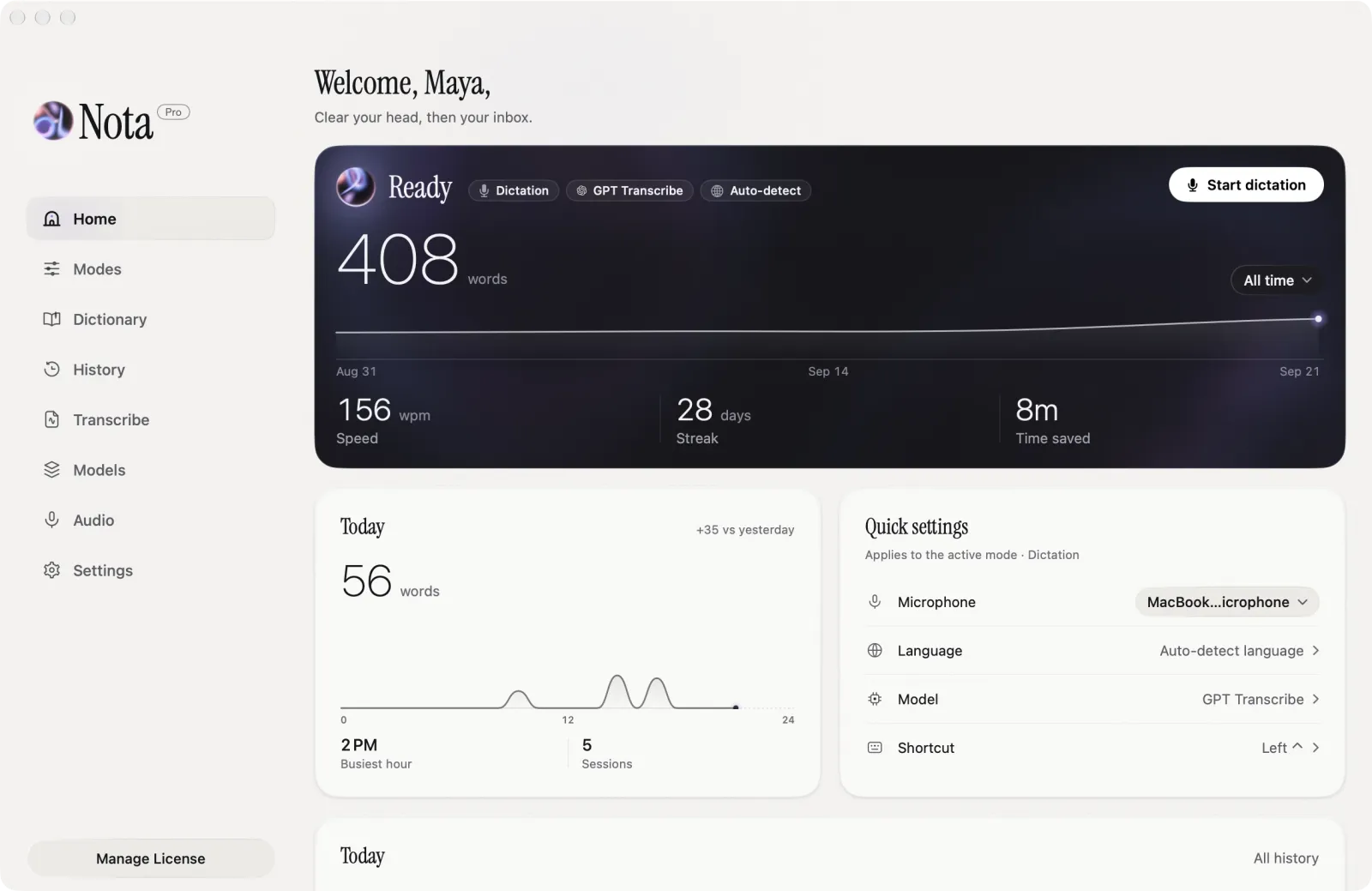 Home, light: words dictated, streak and quick settings
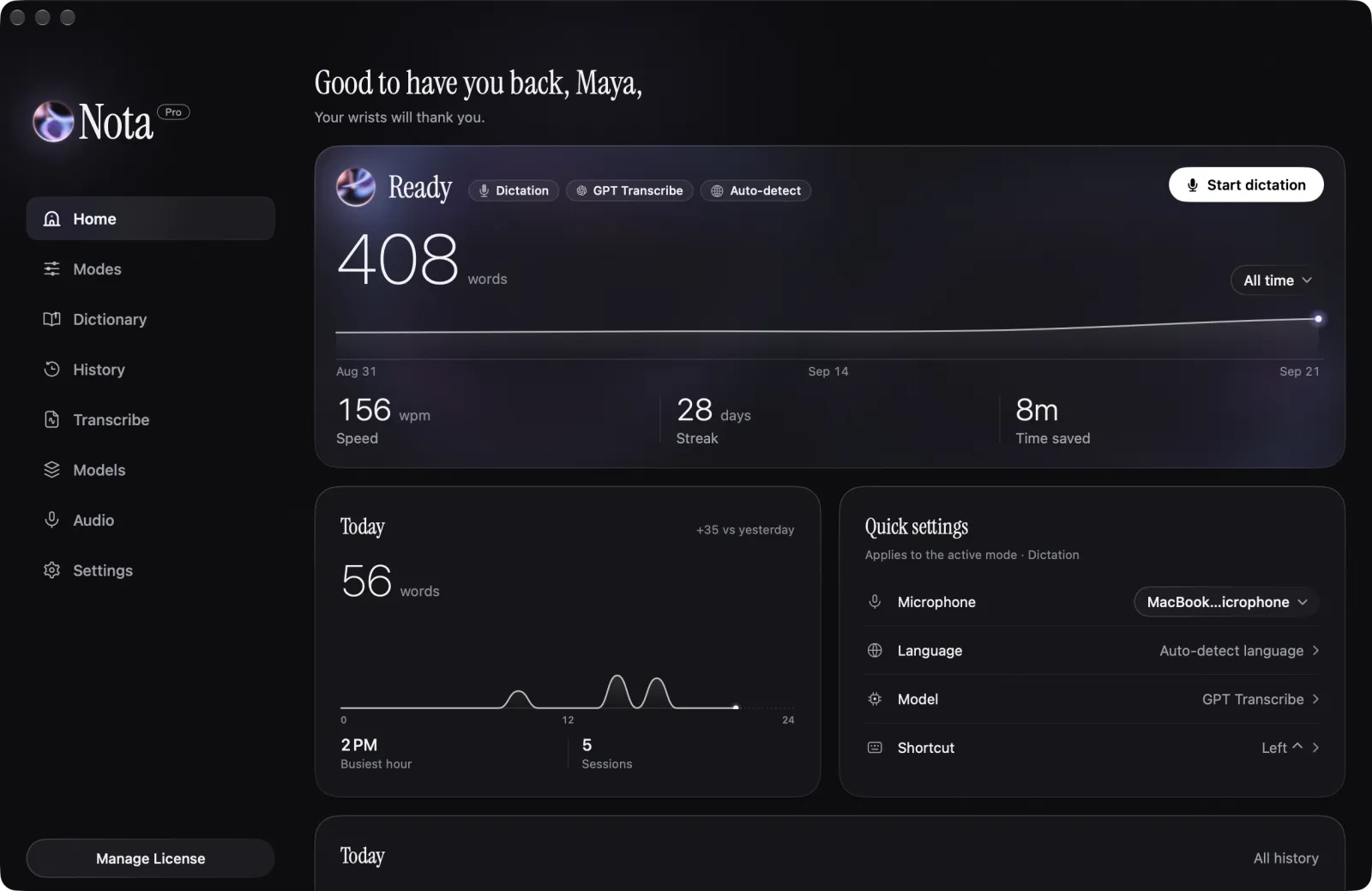 Home, dark
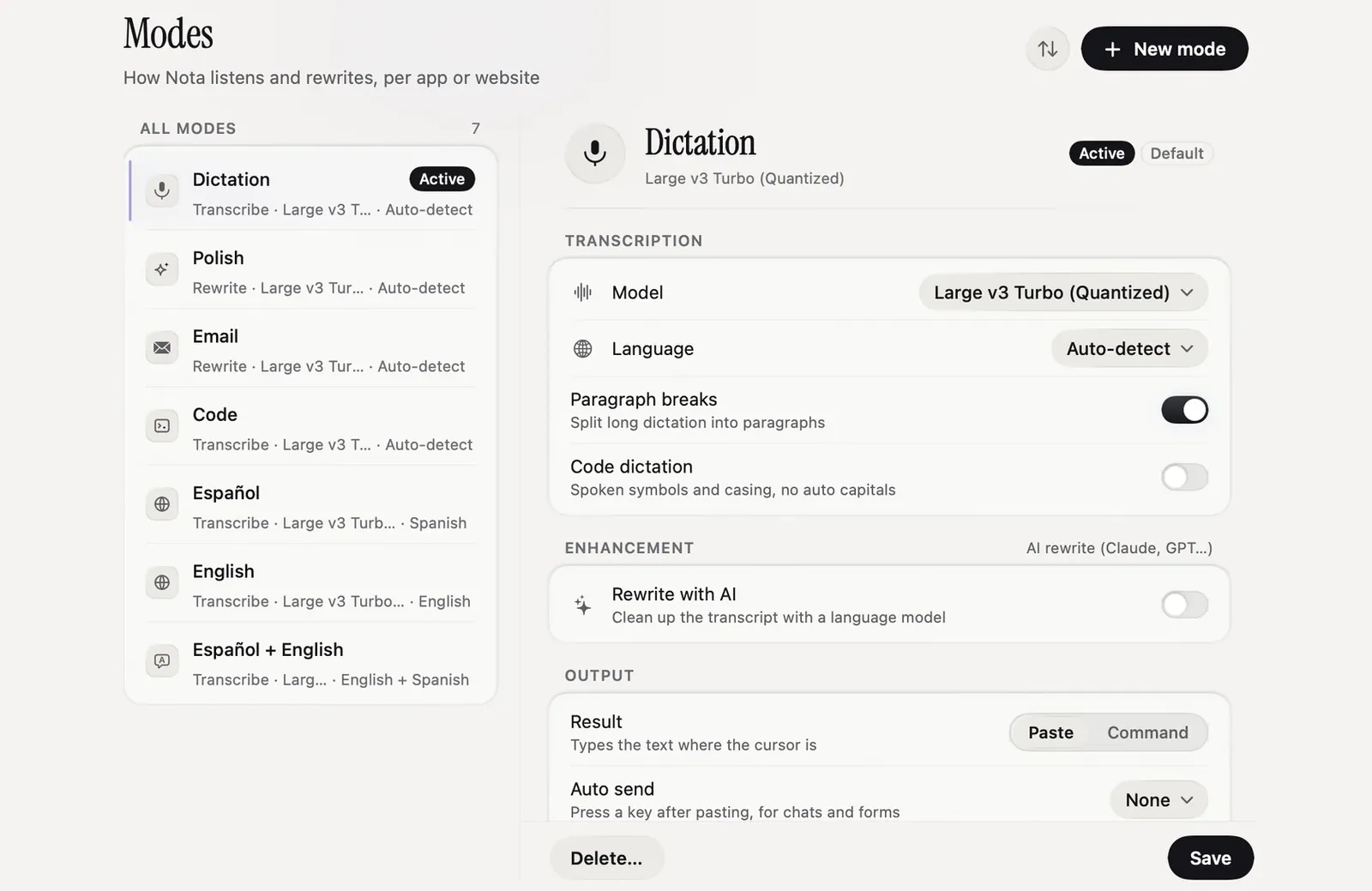 Modes: a model, language and output per app or website
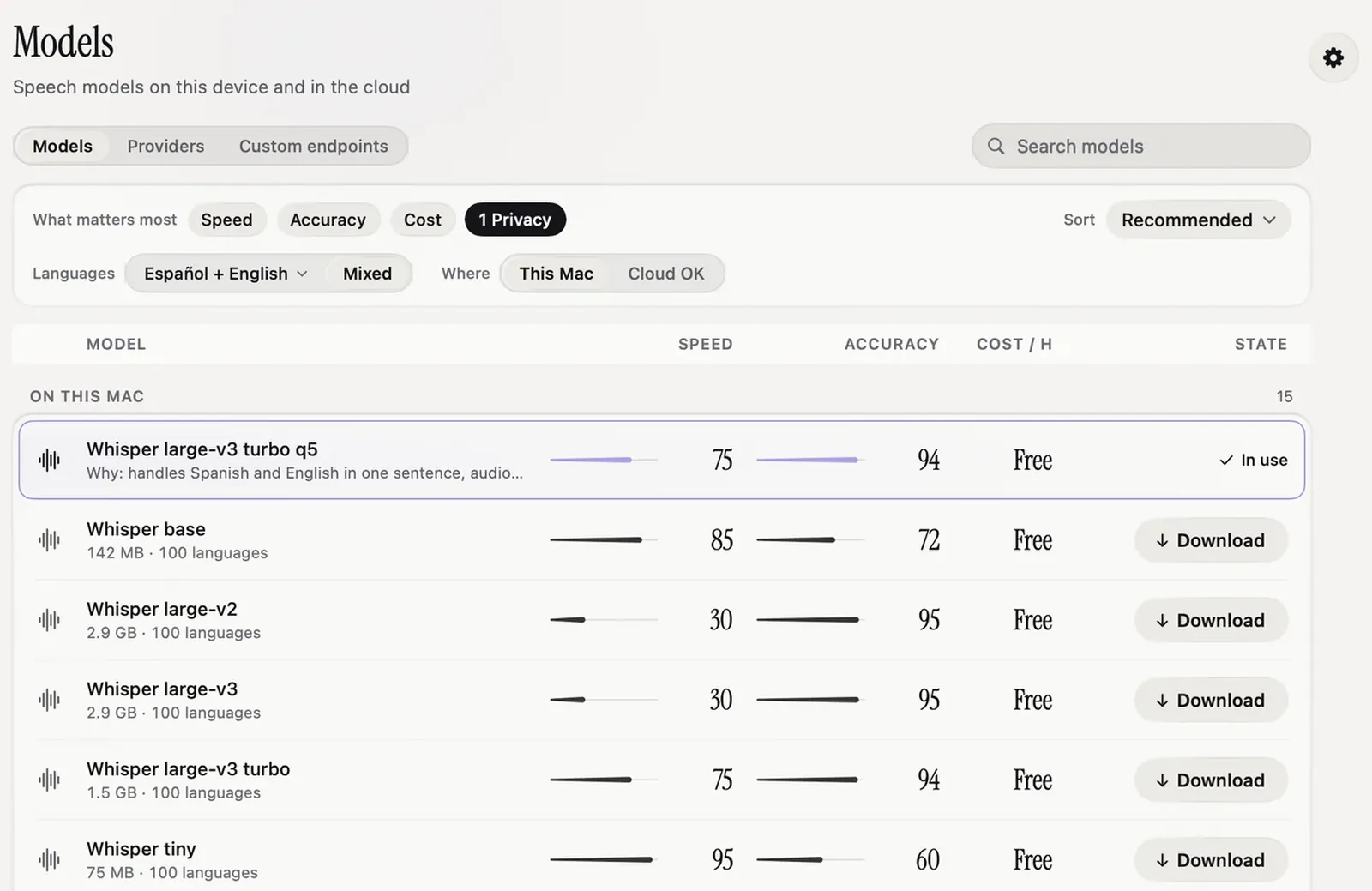 Models: speed, accuracy, cost per hour and state for every model
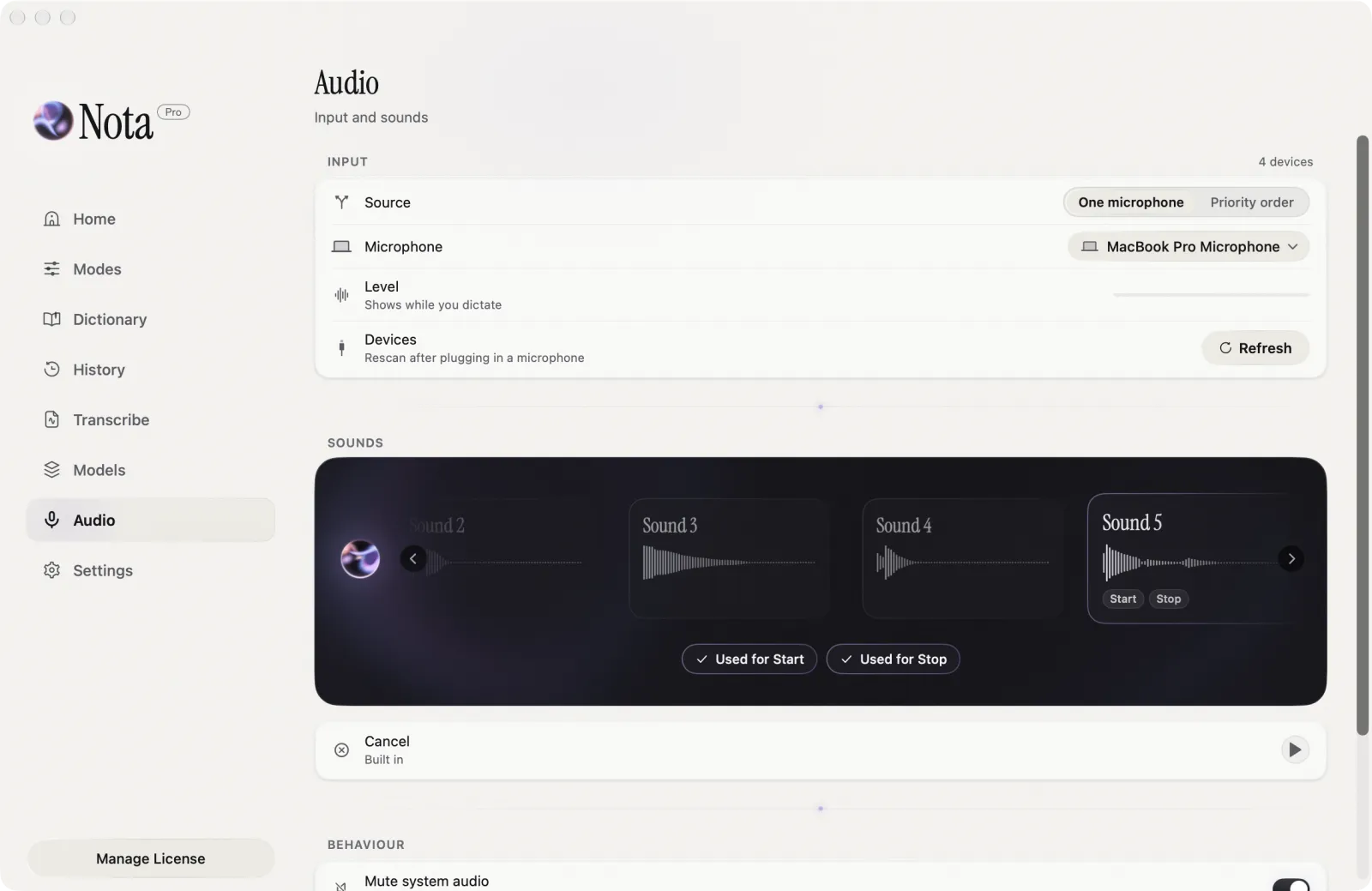 Audio: input devices and recorder sounds
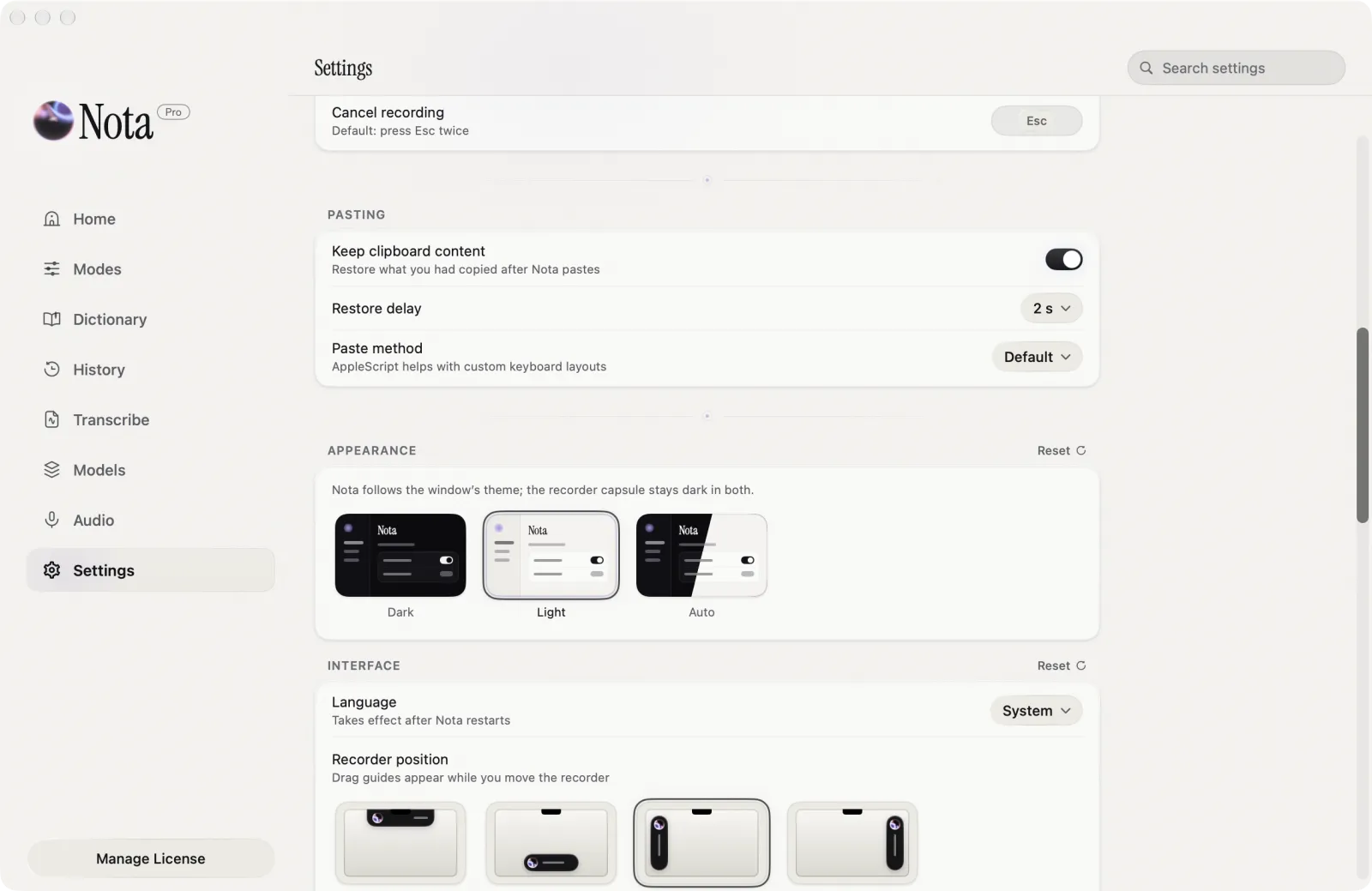 Settings: appearance and recorder position
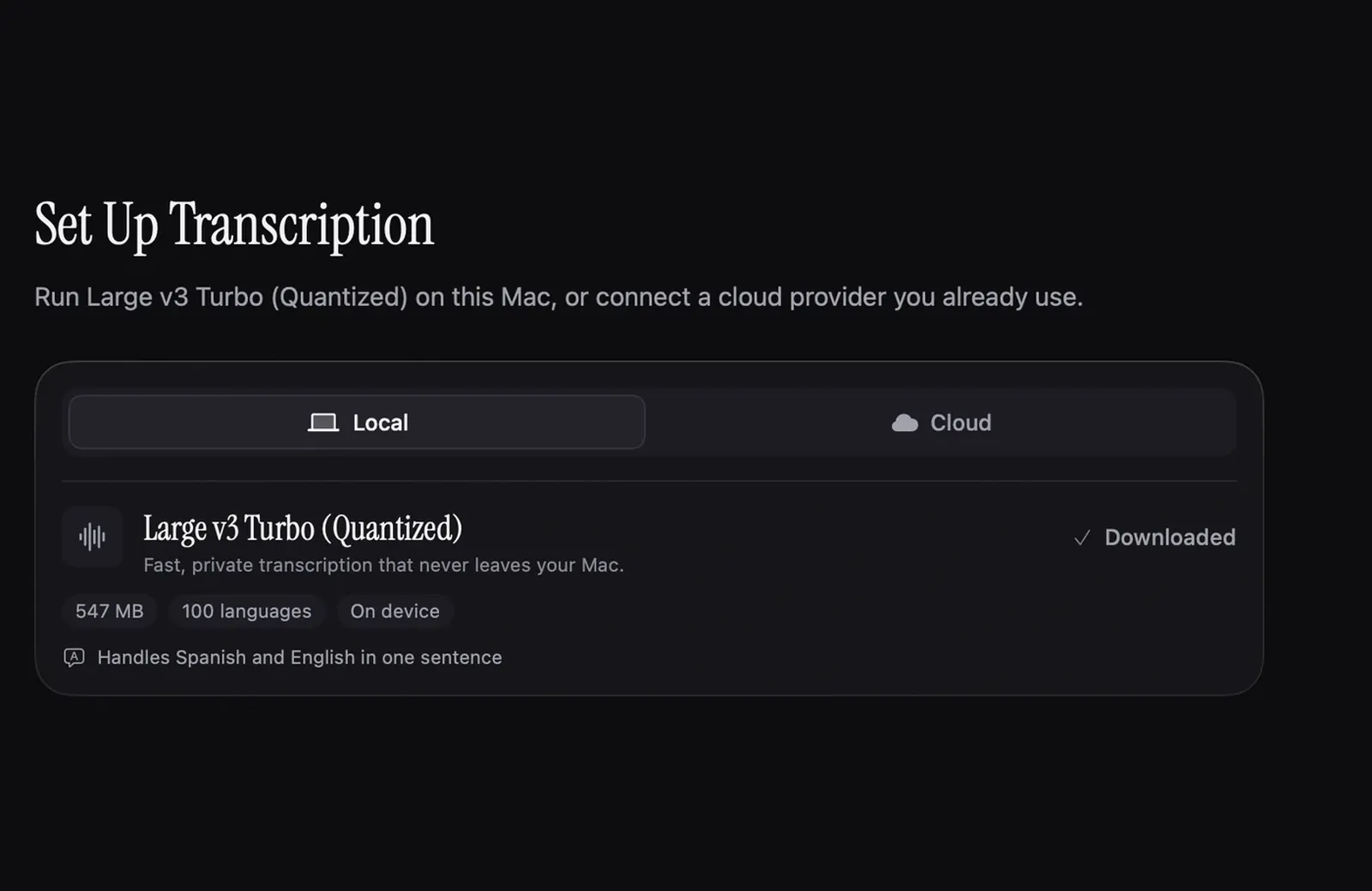 First run: pick a local or cloud model
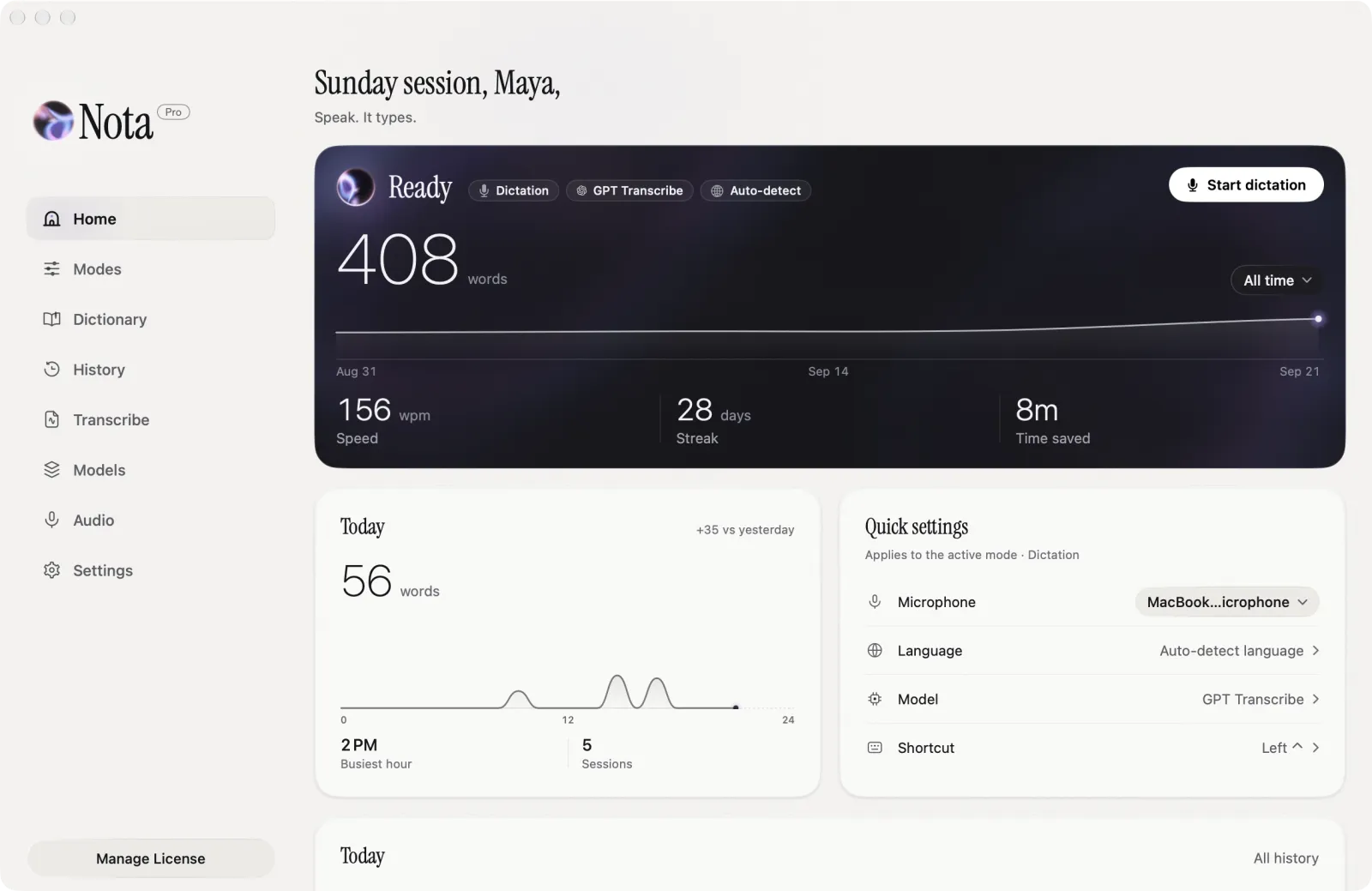 Home in the light theme, with the sidebar
Using the name
Write it as Nota, capital N, no "App" after it. Please don't recolour or redraw the icon. Screenshots can be cropped.