What goes online
License activation and periodic license checks, update checks and model downloads. Pro can work offline for up to 30 days from the last successful license check. With a local model, your dictation audio stays on your Mac.
Nota turns speech into text in Word, Mail or any other app. With a local model the audio is transcribed on your Mac and sent nowhere. Whether that meets your firm's rules is your firm's call; below is exactly what Nota does.





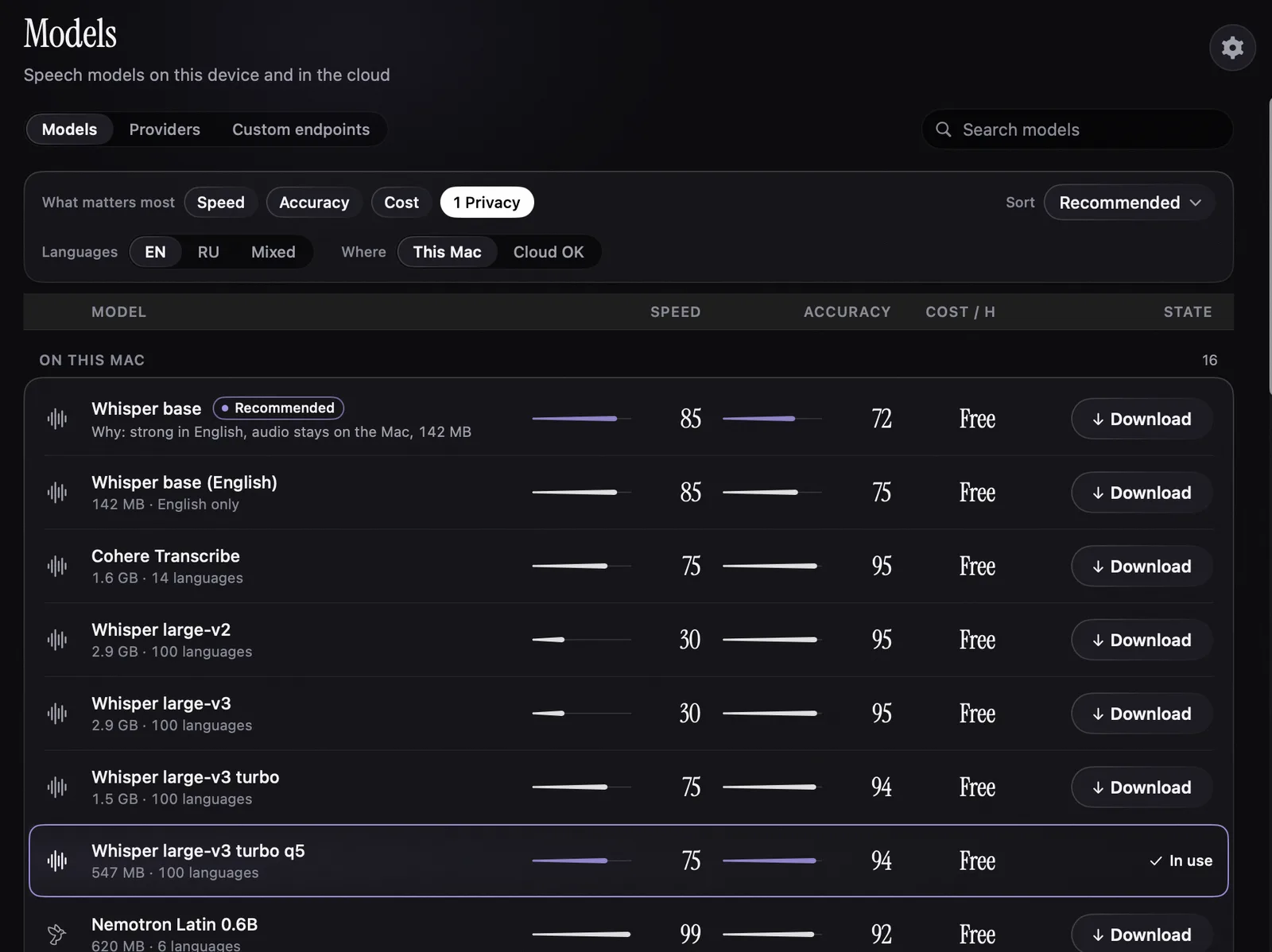
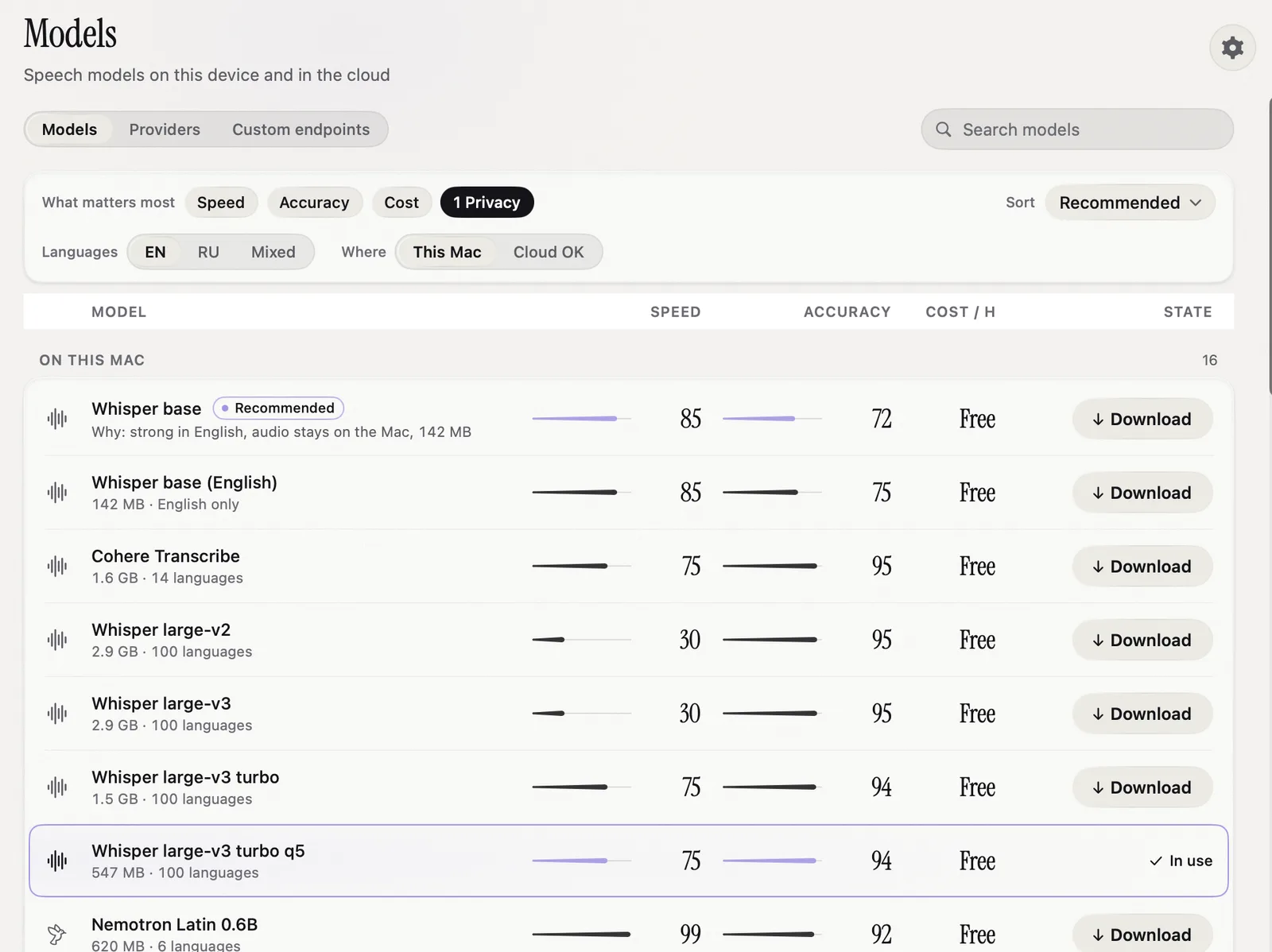
Parakeet, Whisper, Nemotron and other speech models run on the Mac itself, so dictation works with no internet. Nota has no server of its own that receives your audio or text.
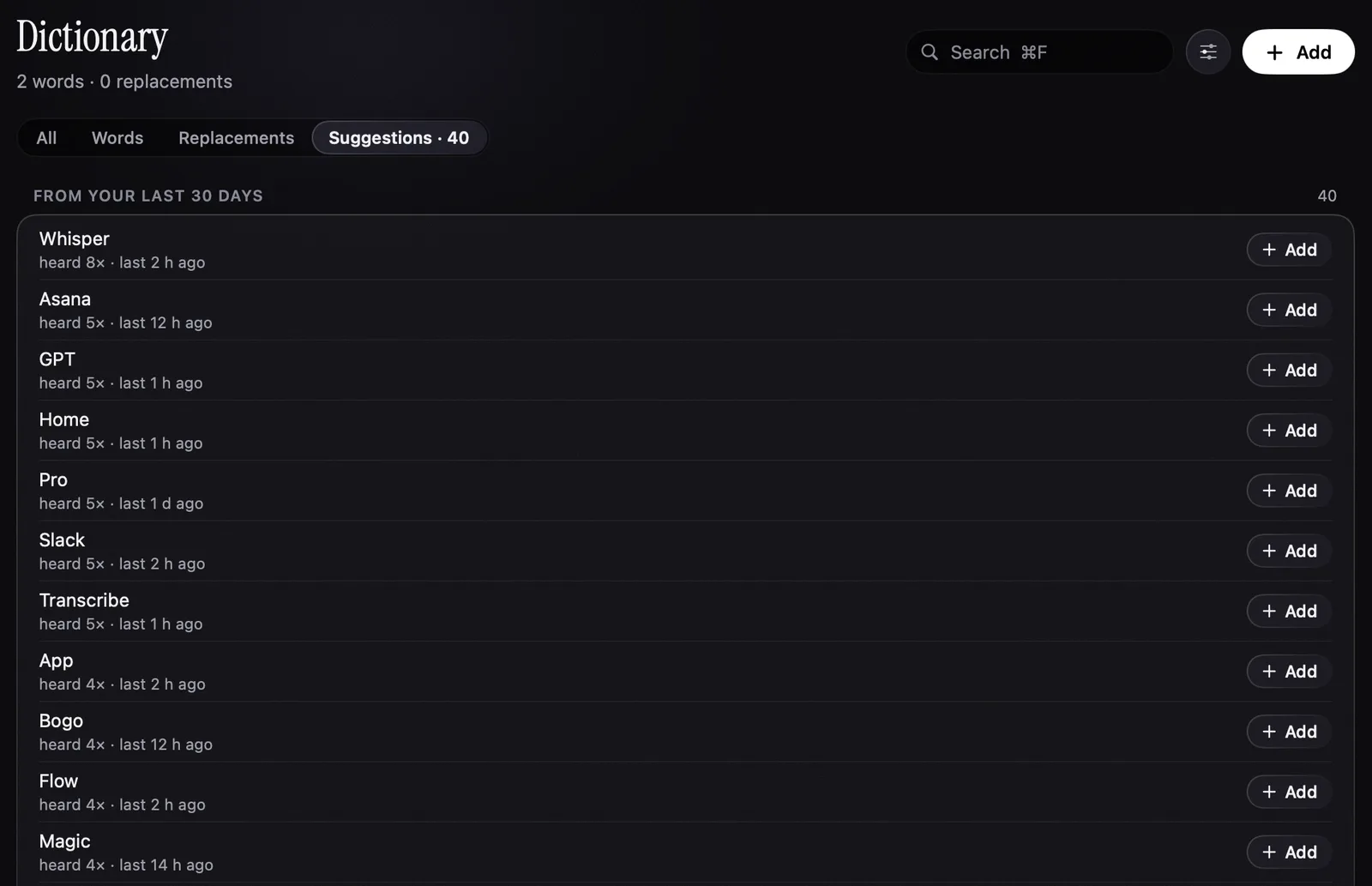
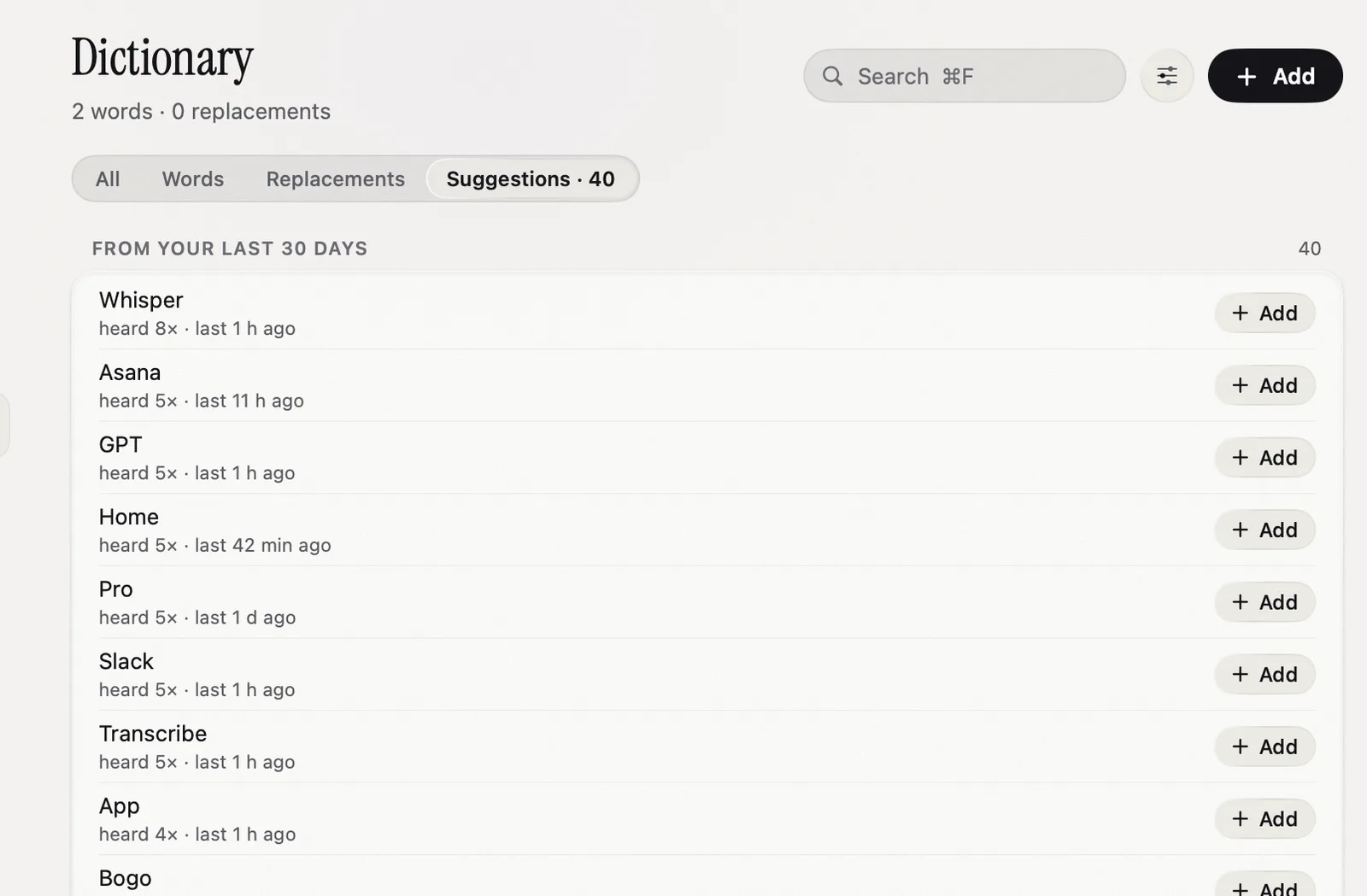
Add client names, case names and Latin terms to the Dictionary. Replacements turn a spoken phrase into the exact wording you use every time.
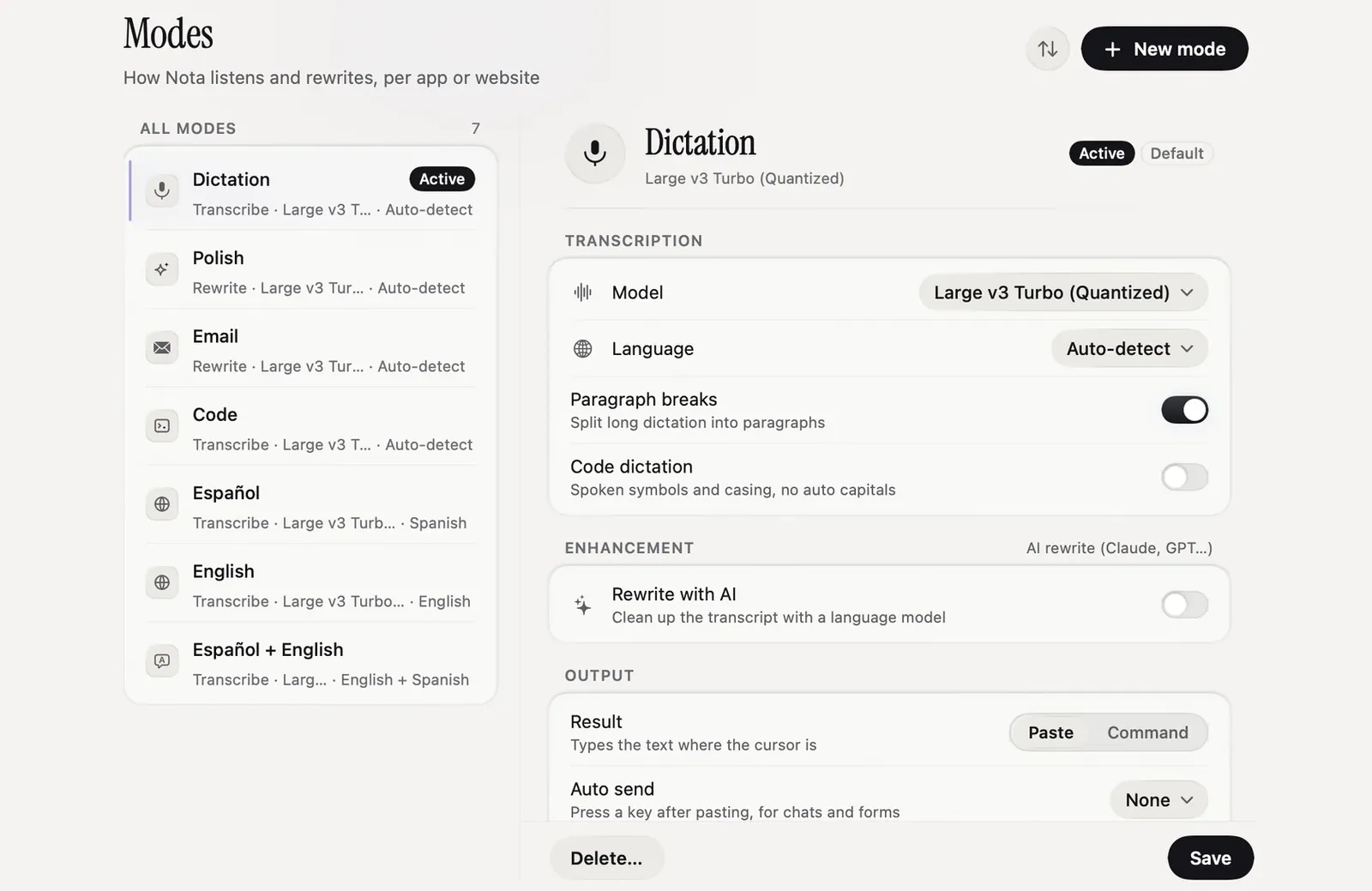
A formal mode for Mail and Word, a plain one for your own notes. Modes switch by app and by website.
License activation and periodic license checks, update checks and model downloads. Pro can work offline for up to 30 days from the last successful license check. With a local model, your dictation audio stays on your Mac.
If you pick a cloud model, audio goes to that provider under your own API key and their terms. Nota adds no server in between.
Every dictation is kept on your Mac. You can search it, export it or delete it.
Nota has no SOC 2 or similar audit. It is a personal Mac app, not a firm-wide service.
The first 5,000 words are free. No account.
5,000 words free
No account needed.
macOS 14.4 or later · Apple silicon and Intel