Free dictation software for Mac: what you really get
Free Mac dictation, sorted: built in, open source, local-free, word-capped freemium and trials. Every free tier's real cap in one table, as of 2026-09-27.
Freemium cap A freemium cap is the limit on a free tier, usually words per week or words per account, after which the app asks you to subscribe.
Yes, there is free dictation software for Mac. Apple Dictation is built in, and Handy is free and open source; both work with no account. Most AI dictation apps are freemium instead: as of 2026-09-27, Wispr Flow allows 2,000 words a week, Aqua Voice and Monologue 1,000 words, then a subscription. Nota gives 5,000 words, then costs $79 once. Every cap is in the table below.
Five kinds of free, and their catches
“Free” on a dictation site means one of five things. Each has a catch.
- Built in. Apple Dictation. Free for good, already installed. The catch: no custom words, no rewrite, no choice of model, one language at a time.
- Open source. Handy. Free for good, runs local models on your Mac. The catch: it does one thing, push to talk and paste.
- Free local models inside a paid app. Spokenly gives local models and its own-key mode away. The catch: the cloud minutes on your key are billed by the provider, and hosted models need Pro.
- Word-capped freemium. Wispr Flow, Aqua, Monologue, Willow, Typeless, Superwhisper. The catch: the cap is small on purpose. It is a sample, not a plan.
- Trial. Voibe and Nota let you try before you pay. The catch: it ends.
Free-tier caps table (as of 2026-09-27)
Checked on each vendor’s own site on 2026-09-27. Prices in USD.
| App | What is free | Cap | After the cap |
|---|---|---|---|
| Apple Dictation | The whole feature | None | Nothing to buy |
| Handy | The whole app, open source | None | Donations |
| Spokenly | Local models and your own API keys | None on those | Pro $99.99/yr for hosted models |
| MacWhisper | A free tier | Fewer features | Pro about EUR 64 once |
| Superwhisper | Pro features | 3,000 words, then the basic free tier | $8.49/mo, $84.99/yr or $249.99 lifetime |
| Wispr Flow | Full app | 2,000 words a week on desktop, 1,000 on mobile | Pro $12/mo billed yearly |
| Aqua Voice | Full app | 1,000 words, once | Pro $8/mo billed yearly |
| Monologue | Dictation and notes | 1,000 words and 10 notes | Pro $144/yr |
| Willow | A weaker speech model with no word cap, plus premium features | 20 Scribe uses a week | Pro $12/mo billed yearly |
| Typeless | Full app | A weekly word limit | Pro $12/mo billed yearly |
| Nota | Full app, all models | 5,000 words, once, no account | $79 once for 1 Mac ($59 early bird) |
To size those caps: people speak at roughly 130 to 150 words a minute. 1,000 words is about 7 minutes of talking. Wispr’s 2,000 words a week is about a quarter of an hour. Nota’s 5,000 is about 35 minutes.
Apple Dictation: when it is enough
Apple Dictation is enough if you dictate short things in one language and are fine saying “comma” and “new paragraph” out loud. On Apple silicon it runs on the Mac for many languages, it punctuates on its own, and it costs nothing.
To turn it on, open System Settings, then Keyboard, and switch Dictation on. Press the dictation key (or the shortcut you set there) in any text field and talk. Apple’s own dictation guide says which languages run on the Mac and which may send audio to Apple.
It stops being enough when:
- Names come out wrong every time and you can’t teach it.
- You mix two languages in one sentence.
- You want a different tone in Mail than in Slack.
- You want a better model than the one Apple ships.
The commands are listed in our punctuation commands post.
Open-source and local-free apps
If “free” matters more than features, a local model is the way: no account, no cap, no server.
Handy is the minimal option: one key, local model, paste. Spokenly is the fuller option: local models and your own API keys at no charge, history, per-app instructions, and apps for Windows, Linux and iPhone too.
Local models need memory and a recent chip. Small models (Whisper base is 142 MB) run on anything; the large ones (Whisper large-v3 is 2.9 GB) want Apple silicon and room to spare. A model download is the only time a local-only setup goes online for dictation.
Both use the same kind of open models most paid apps use, Whisper and NVIDIA’s Parakeet. The gap to a paid app is in what happens around the model: modes, the dictionary, cleanup, design.
When paying once is cheaper than free-with-caps
A cap is designed to run out. Once you dictate daily, a 2,000-word week lasts about two days, and the subscription is $144 a year (Wispr Flow, Willow, Typeless and Monologue Pro, billed yearly, as of 2026-09-27).
Over three years that is $432. A pay-once licence is less:
- MacWhisper: about EUR 64.
- Nota: $79, or $59 early bird.
- Voibe lifetime: $149.
- Superwhisper lifetime: $249.99.
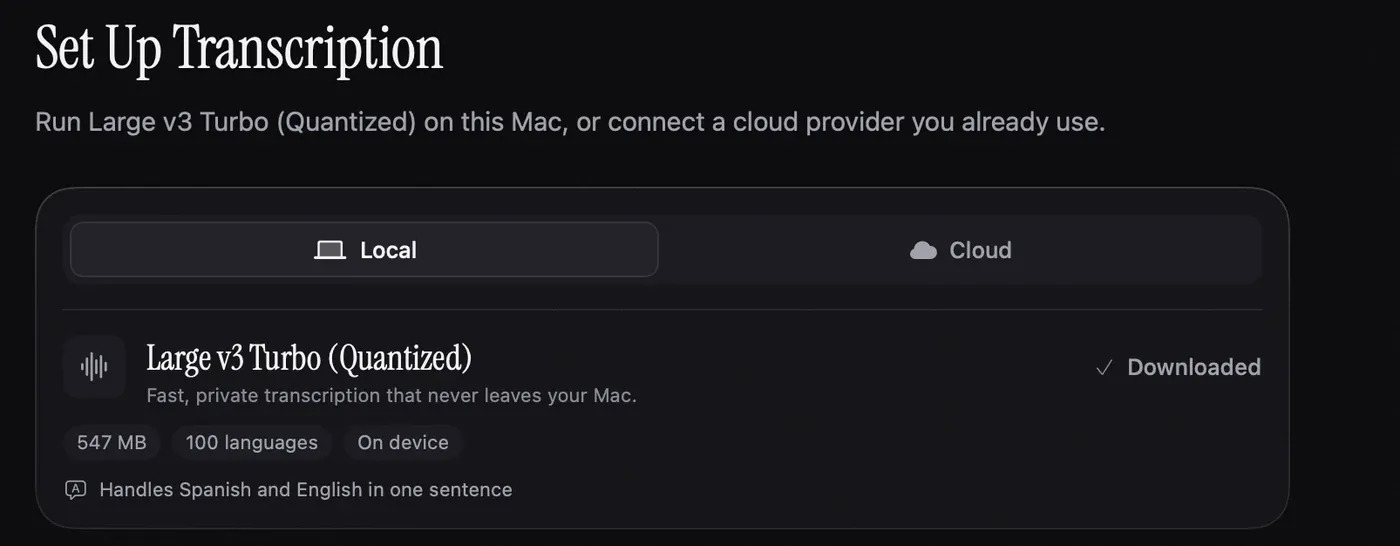
Nota is a trial, not a free plan. The first 5,000 words cost nothing, with no time limit, no account and every model available. After that it is one payment. Setup suggests a local model for the languages you pick, one that runs on your Mac with no key, so the trial costs nothing in provider fees either. Cloud models are optional, on your own key.
What the payment adds over a free local app is the part around the model: modes that switch by app and by website, a dictionary that learns from your corrections, an optional cleanup pass for punctuation and spoken corrections, and a cost meter for cloud models. If you need none of that, the free apps above are the better deal.
The pay-once math only works if you actually dictate every day. If you dictate a few times a week, Apple Dictation or a free tier is the right answer.
Start with the first dictation guide, or see pricing.
Questions
Is there a completely free dictation app for Mac?
Yes. Apple Dictation is built in, and Handy is free and open source. Both run on your Mac.
How many words does Wispr Flow give for free?
As of 2026-09-27, Wispr Flow's free plan allows 2,000 words a week on desktop and 1,000 on mobile.
Is Nota free?
Nota gives you your first 5,000 words free, with no time limit and no account. After that it is a one-time purchase; there is no free plan.
Nota is dictation for Mac: hold a key, talk, and it types. Download Nota, the first 5,000 words are free.