Docs Account and help
License
Try Nota free, then activate Nota Pro with your key. Move it between Macs any time.
Free trial
Your first 5,000 words are free. No sign-up, no card, no time limit. Every model and feature works during the trial. Words you dictate and words from transcribed files both count. The count is kept on your Mac.
When the trial ends
After 5,000 words, Nota stops working until you enter a license key: no dictation and no file transcription. When you press your shortcut, Nota shows Trial ended. Buy Nota Pro with a Buy button. Your History, Dictionary and settings are not deleted. They stay on your Mac and work again as soon as you enter a key.
Buy Nota Pro
Nota Pro is a one-time purchase. Updates are included for life. Pick how many Macs you need:
| Plan | Macs | Price |
|---|---|---|
| Personal | 1 | $79 |
| Duo | 2 | $119 |
| Studio | 3 | $149 |
Early bird prices until December 31, 2026: $59, $89 and $109; from January 1, 2027: $79, $119 and $149. See Pricing. Buy at saynota.com/pro. Your license key arrives by email right after checkout. Each plan activates on that many Macs at the same time.
Activate
- Click Manage License at the bottom of the sidebar. Or go to Settings › License › Manage.
- Paste your key into the key field, or click Paste.
- Click Activate (or press Return).
- The badge next to Nota changes to Pro.
Nota checks the key once, when you activate. After that it works offline and never checks again.
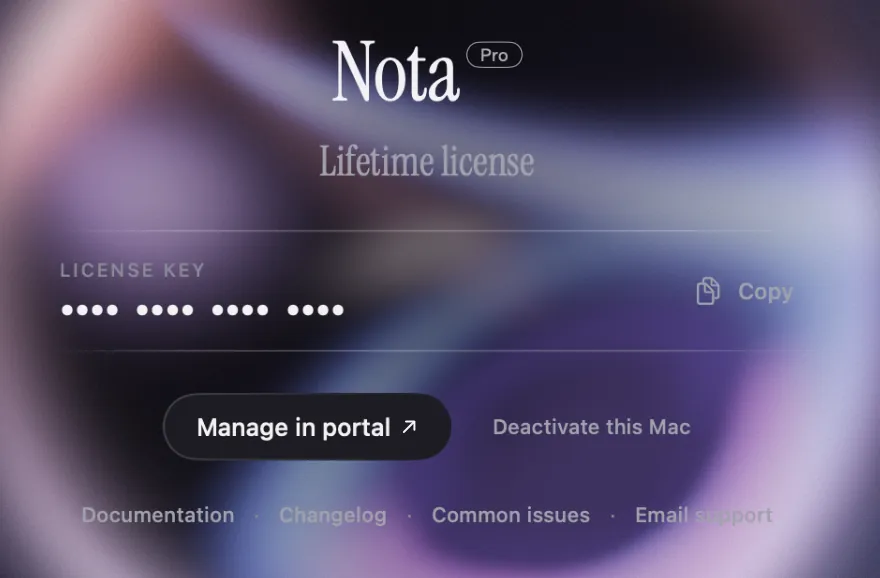
Move to another Mac
- On the old Mac, open Manage License and click Deactivate this Mac. Confirm.
- On the new Mac, activate with the same key.
No access to the old Mac anymore? Click Manage in portal (or open the license portal from any browser) and remove the Mac there.
Deactivating a Mac frees its place on your license. It does not reset the free trial on that Mac.
Need your key again? On the license page, Copy copies it in full. The portal shows it too.
If activation fails
| Message | What to do |
|---|---|
| Key not found | Check the key for typos. Paste it from the email instead of typing. |
| Device limit reached | Your key is active on all the Macs your plan covers (1, 2 or 3). Deactivate one, in the app or in the portal, or upgrade your plan. |
| Could not reach the server | Check your internet connection and try again. |
| Revoked or disabled | The key was refunded or blocked. Write to support. |
| Cannot access the macOS Keychain | See Keychain prompts. |
Refund
Changed your mind? You get a full refund within 14 days of purchase, no questions asked. Write to support@saynota.com or request it in the license portal. Details on the refund page.